GEM One-Time Setup Quick Reference for Administrators
One-time setup Quick Reference Guide for Administrators
Please read through to get a better understanding of GEM before using the quick reference.
Required packages:
- 1. GEM Server
- 1. GEM Experiences
- 1. Site and Show config file setup for your location
Setup
Extract files (server and experience) to the desired locations.
1. Open 2 Terminals from the GEM folder where you find the GEM Server.
2. Run:
gem-server siterunner --init
- Setup the config file to properly use your postgres server.
- You can now start your server.
- In terminal run:
gem-server siterunner --dbmaint
gem admin db delete
- Create the Database:
gem admin db create
--dbmaint
gem-server siterunner
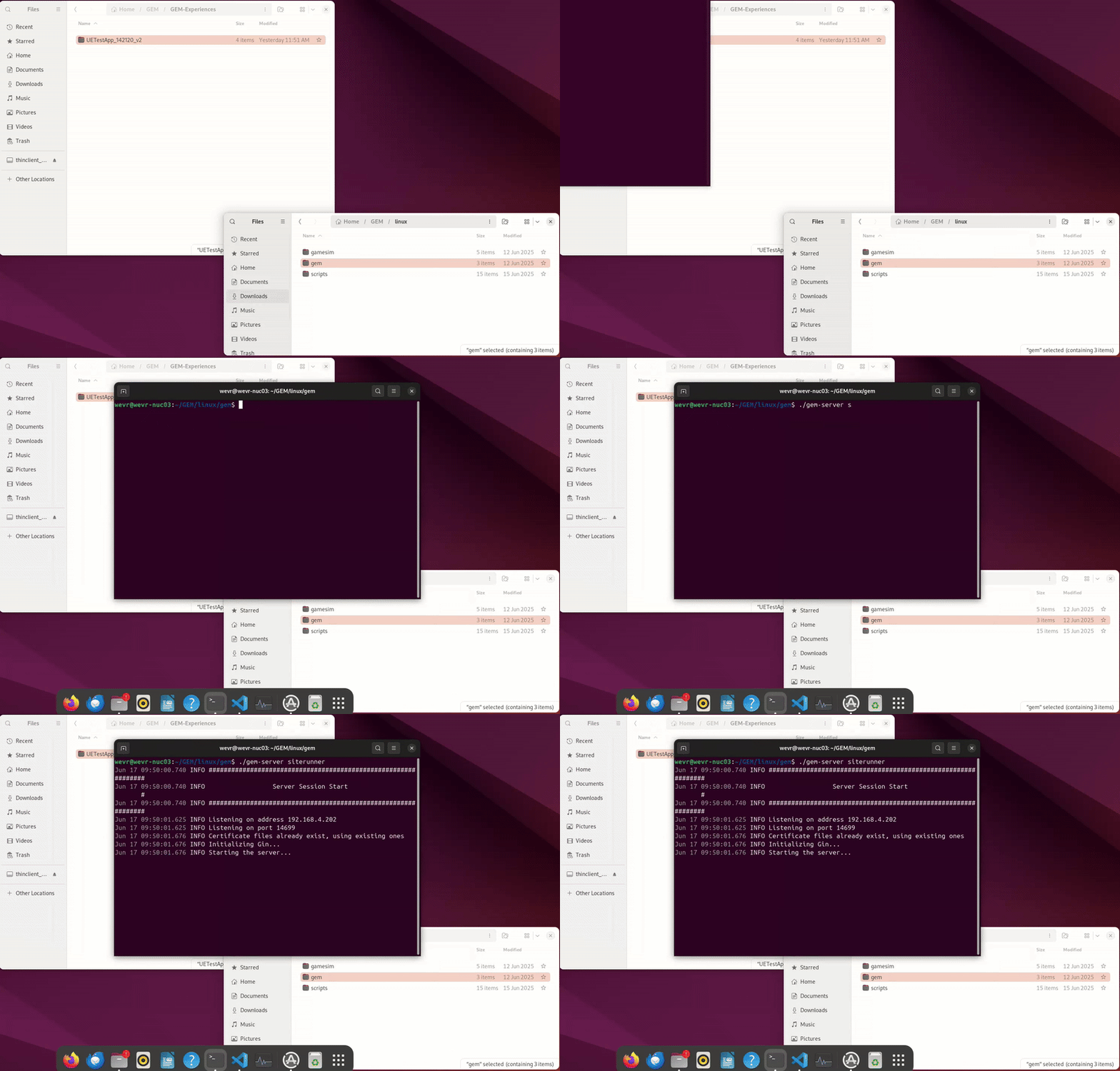
- Load the database with your site and show configurations.
gem admin db load ..\scripts\sampleSiteDefinition.yaml
gem admin db load ..\scripts\sampleSiteDefinition.yaml --apply
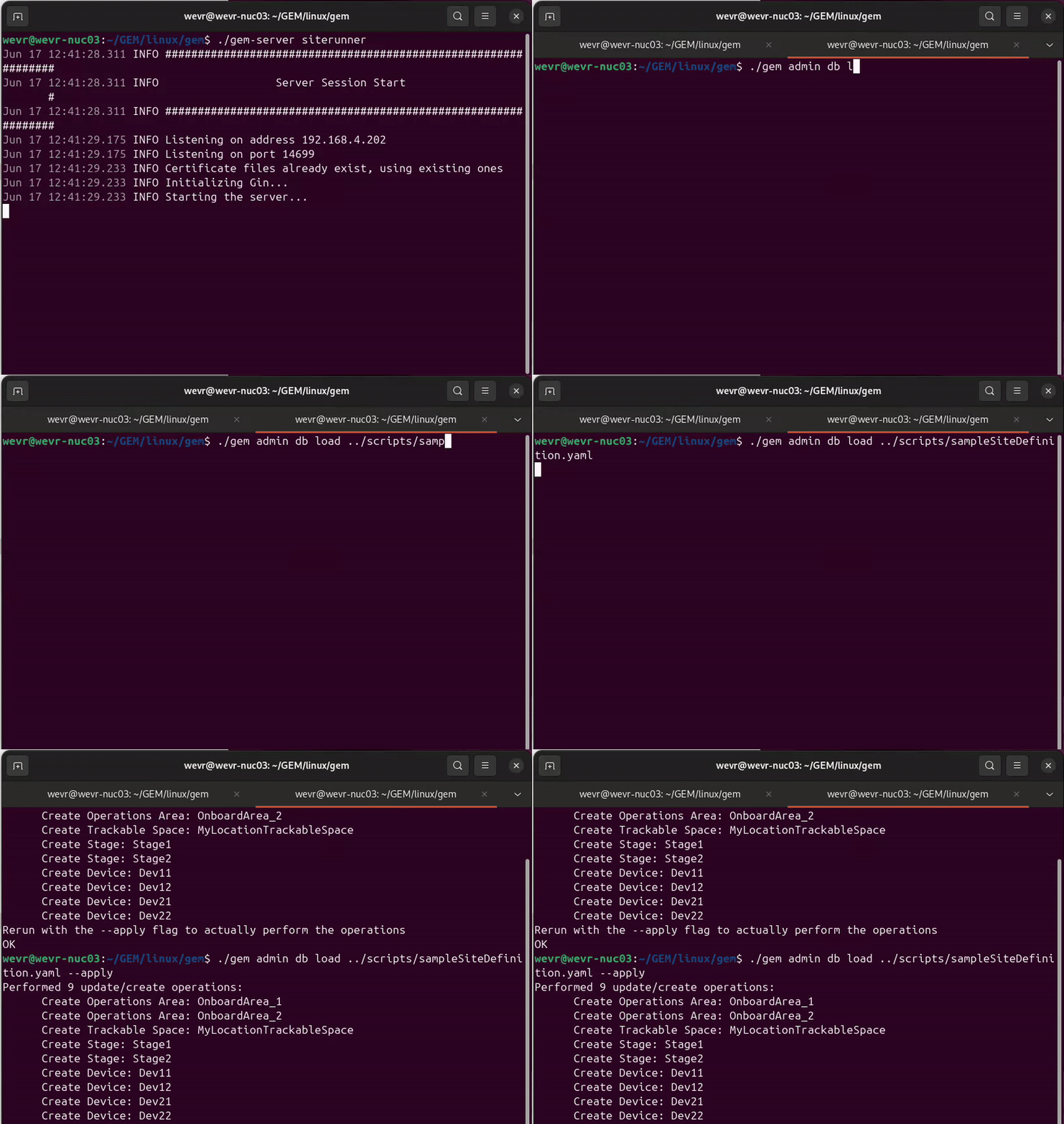
- Load the database with your show configuration.
gem admin db load ..\scripts\sampleShowDefinition.yaml
If it all looks right, run it with the apply flag.
gem admin db load ..\scripts\sampleShowDefinition.yaml --apply
- Load your experience. You will want to point the location to the manifest file of the experience you are adding.
gem admin db loadapp ...\..\..\experiences\testapp
If the experience information appears correct, use the apply flag.
gem admin db loadapp ...\..\..\experiences\testapp --apply
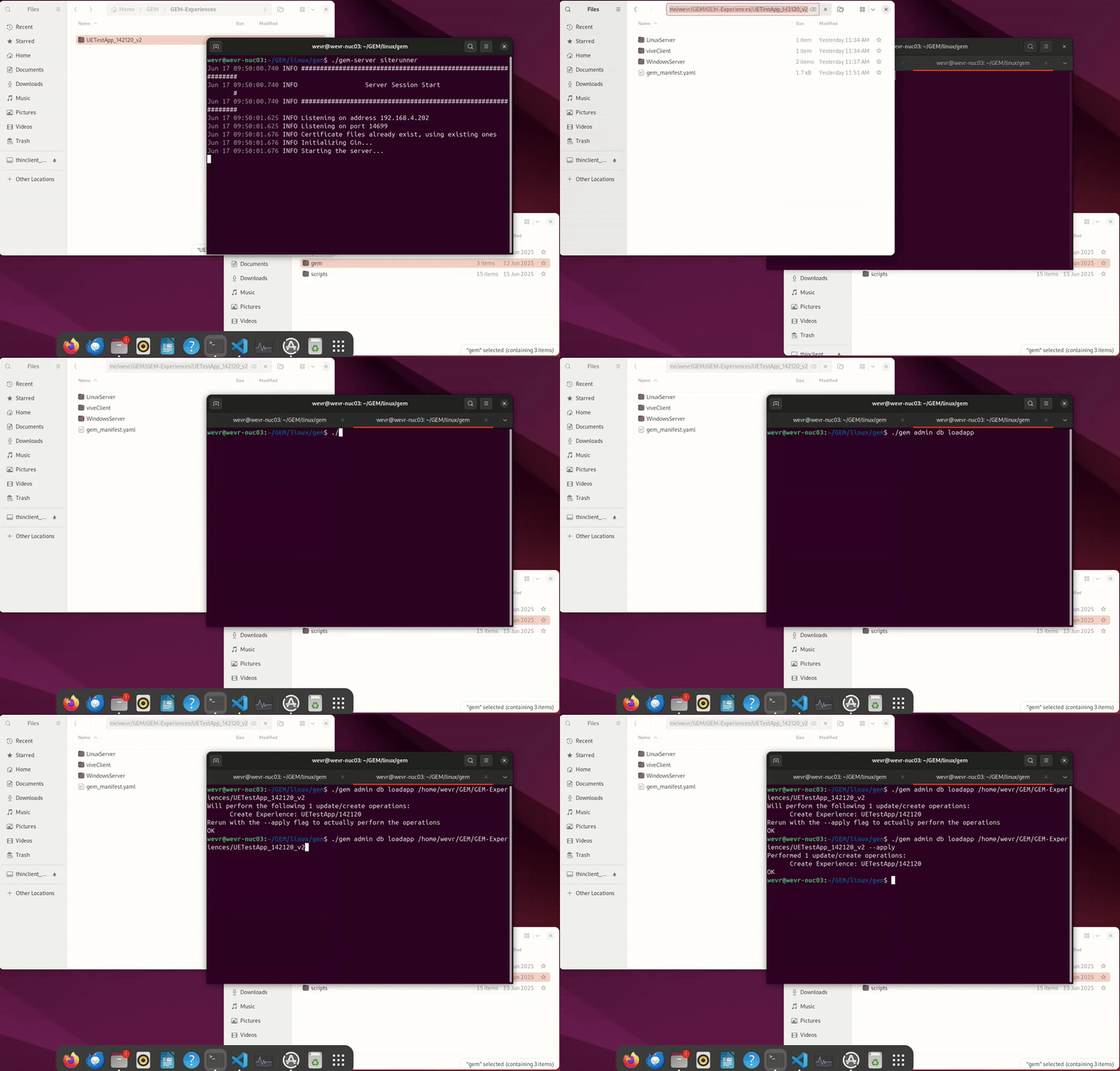
- View your available list of shows to see your configurations.
gem show list
- Start the show using the show name that appears in the list.
gem-server showrunner MySampleShow
-
Set up your GEM Dashboard by following the instructions on Setting up and Running the GEM GUI
-
Set up access your Signup app by following the instructions on Setting Up and Running the GEM Signup App
You are now ready to run your show in GEM.